Notesflowai Logo
auto_awesome AI-Powered Study Workspace

Study Smarter.
Not Harder.

The AI-first workspace that turns your messy notes into mastery.

description AI Summaries
psychology Active Recall
quiz Instant Quizzes
download Free Install

Smartest Features.

description

AI Summaries

Distill 50-page docs in seconds with high precision.

forum

AI Chat

Ask your documents anything and get instant citations.

quiz

Quiz Gen

Turn lectures into instant tests to track your progress.

Intuitive Design.

Built for focus, designed for flow.

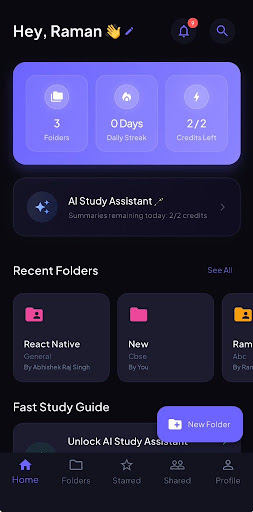
NotesFlow AI home screen
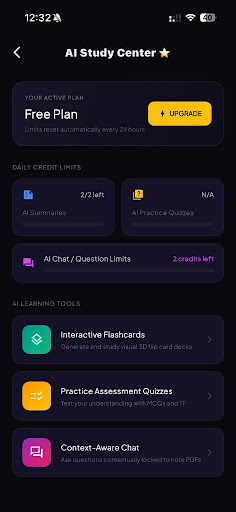
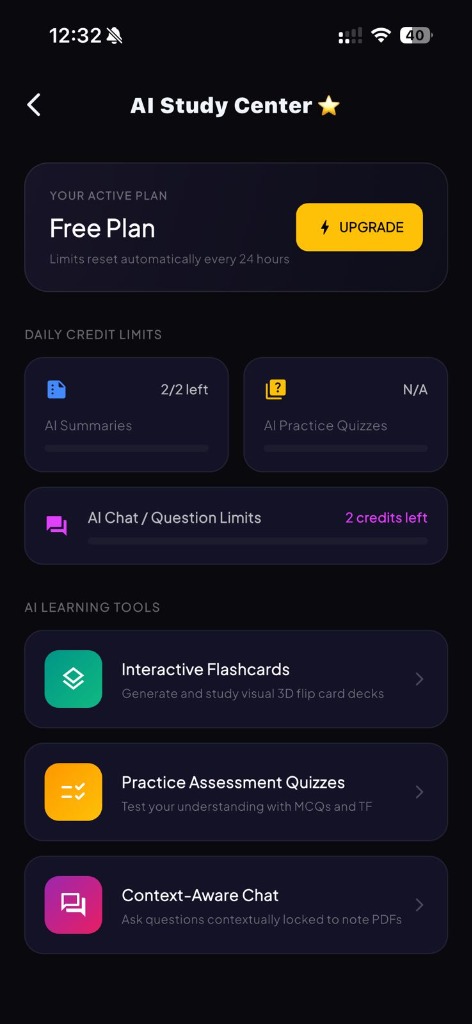
NotesFlow AI center screen
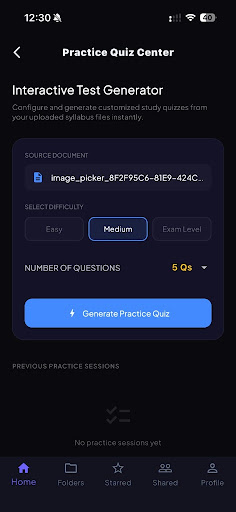
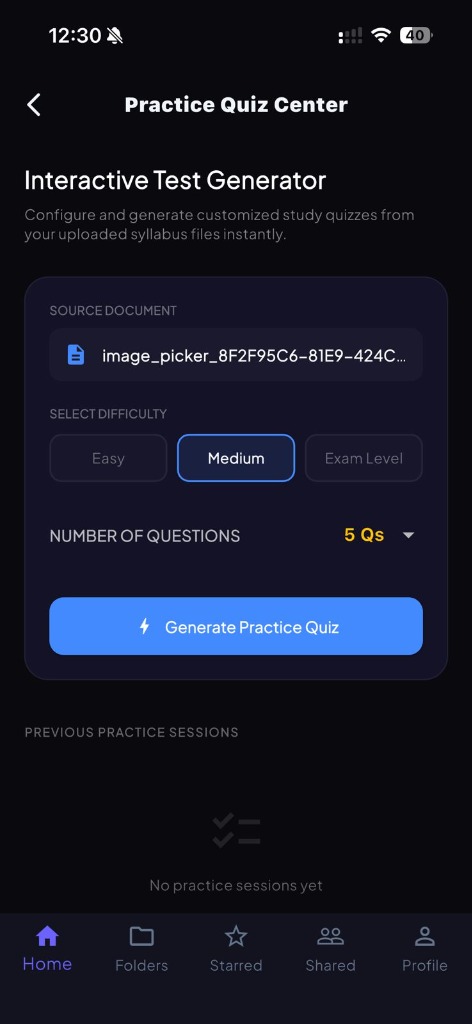
NotesFlow AI quiz settings screen
App Store Reviews

User Feedback

Quite Helpful 16 Jul
star star star star star

"A genuinely helpful app. Sharing notes is quick and effortless, but the standout feature is the AI — it does an excellent job breaking down and explaining content, and automatically generates flashcards and quizzes from your notes. This turns passive reading into active recall, making study sessions far more effective."

Nav2612 Verified App Store User
Really useful for me 16 Jul
star star star star star

"I really like this app because it makes it easy to share my note folders directly with my friends. I also love the AI features, especially the quiz, which has been really helpful for my studies."

Raman2301 Verified App Store User
New: GPT-4o Integration

Study Smarter.
Not Harder.

The premium AI companion for iOS and Android that turns your chaotic notes into structured summaries, interactive quizzes, and active-recall flashcards instantly.

Student Student Student
auto_awesome

Built for Students & Lifelong Learners

Supercharge your daily study workflow

NotesFlow Home Screen
auto_awesome

AI Summary

Fast & Precise

psychology

Active Recall

Smart Study Practice

description AI Lecture & PDF Summaries
quiz Instant Quizzes & Flashcards
devices iOS & Android Compatible
Live Interactive Sandbox

Try Active Recall Live

Choose an interactive tool below to see exactly how NotesFlow AI processes study material into mastery formats.

Original Lecture Slide Image

Slide 12: Mauryan Statecraft

  • Capital: Pataliputra
  • Founded: 322 BCE
  • Emperor: Chandragupta
  • Advisor: Chanakya

Extracted Study Text

[EXTRACTED CHAPTER TEXT - SLIDE 12]
The Mauryan Empire capital city was Pataliputra, located near modern-day Patna. Established in 322 BCE by Chandragupta Maurya with strategic guidance from advisor Chanakya (author of Arthashastra).

Generated Core Study Cheat Sheet

🎯 Executive Study Summary — Chapter 3

  • Core Concept: Mauryan statecraft relied heavily on structural administrative efficiency and centralized governance.
  • Key Definition: Arthashastra: A comprehensive Iron Age treatise detailing state economics, military strategy, and civic laws written by Chanakya.
  • Timeline Fact: Chandragupta Maurya reigned from 322 to 298 BCE, establishing India's first unified empire.

Live AI Academic Tutor Session

Who founded the Mauryan Empire?
Based strictly on your notes, the Mauryan Empire was founded by Chandragupta Maurya in 322 BCE, supported by his advisor Chanakya.
What was the capital city?
The capital city was Pataliputra (modern-day Patna, Bihar).

Simulated Recall Multiple Choice Test

Q1: Which advisor assisted Chandragupta Maurya and authored the Arthashastra?

✓ Correct! Chanakya was the chief advisor and strategist behind the empire's establishment.

Flippable Review Study Flashcard

FRONT

Capital city of the Mauryan Empire

Click card to flip 🔄
BACK

Pataliputra (near modern-day Patna)

Click to flip back 🔄
Interactive App Tour

See It In Action

Every screen crafted for speed, clarity, and deep focus — designed with students in mind.

📱 Home Dashboard

All Your Subjects
In One Place

Get a comprehensive birds-eye view of your learning goals. Complete with custom folders, daily study streak indicators, and quick-launch widgets for standard tools.

👋 Personalized student greeting
🔥 Active daily study streak tracker
Instantly unlock AI study tools
📁 Color-coded subject folders
Home Dashboard
Visual App Gallery

Explore the App Interface

Take a visual tour of NotesFlow AI. See how easy it is to organize, study, and collaborate on the go.

Home Dashboard
Quiz Settings
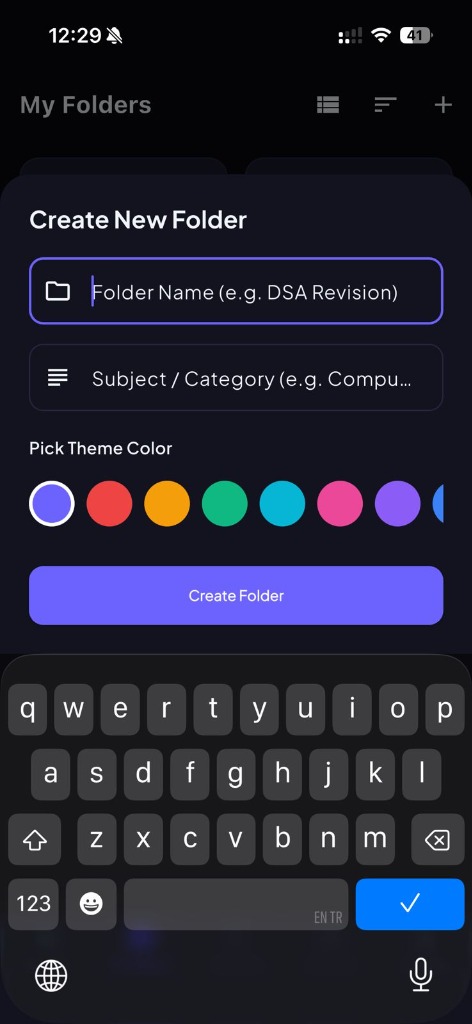
Create Folder
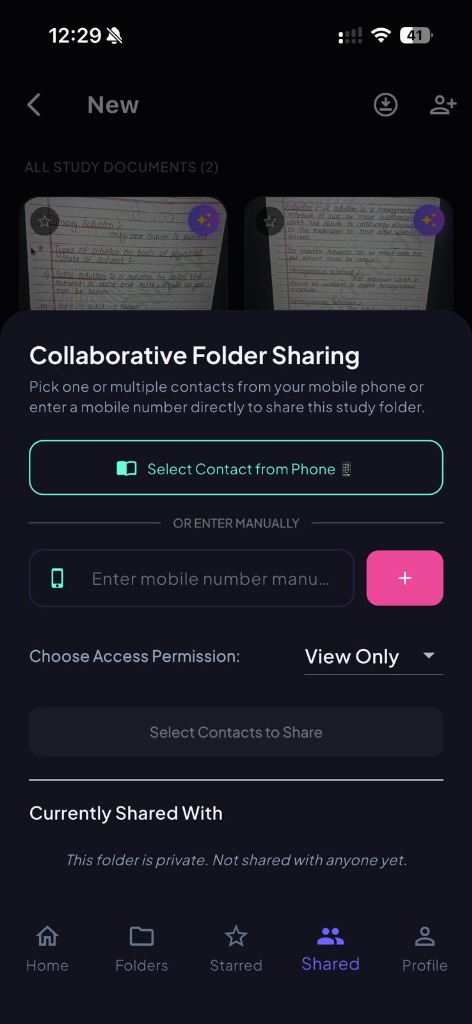
Group Sharing
AI Center
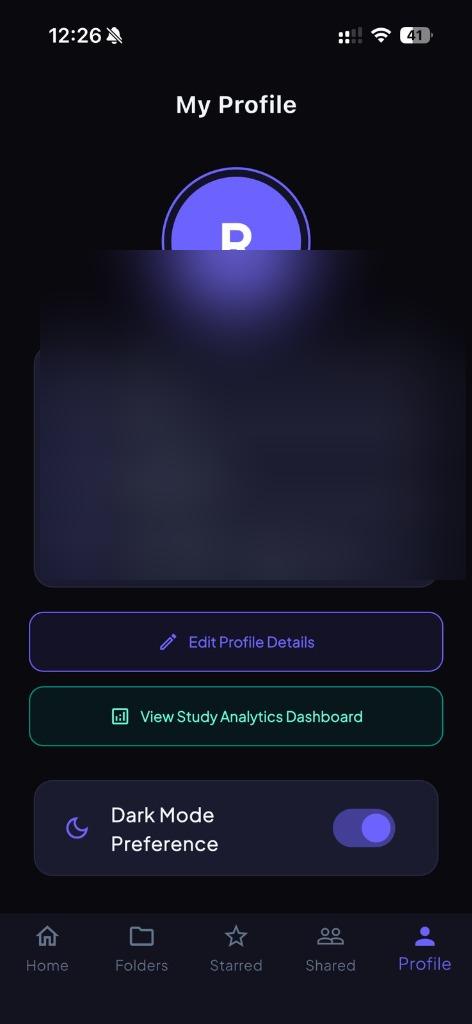
Profile Details
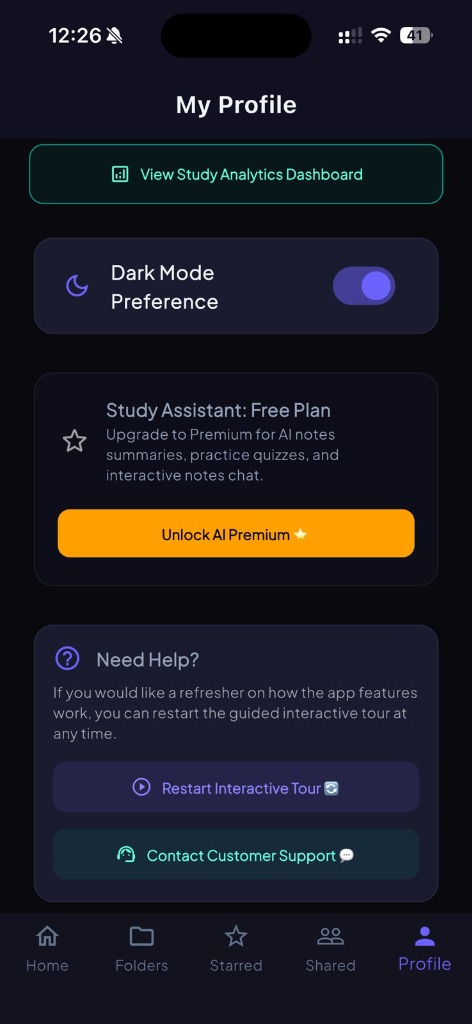
Premium Settings
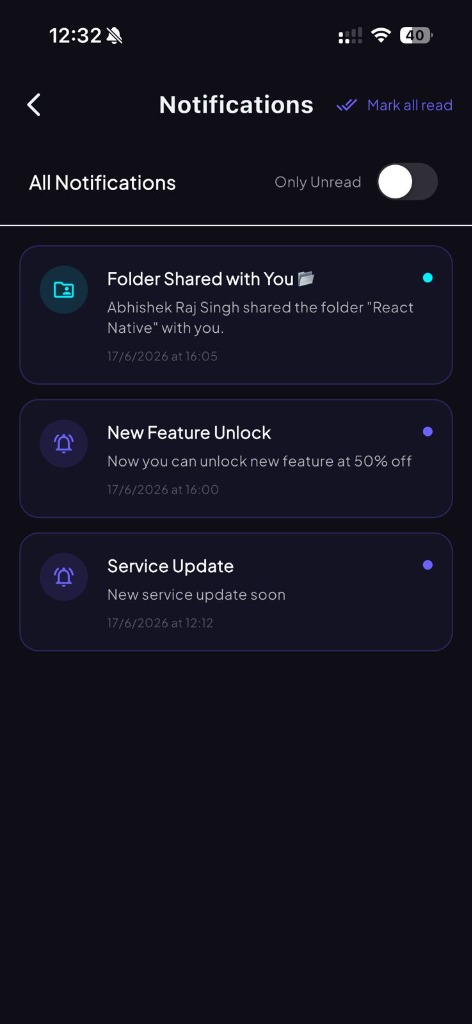
Notifications
Home Action
Support Screen
Home Dashboard
Quiz Settings
Create Folder
Group Sharing
The Process

From raw data to pure intelligence.

upload_file
01

01. Upload

Drop your PDFs, lecture slides, or handwritten notes. Our engine ingests everything with 99.9% OCR accuracy.

Supported: PDF, DOCX, JPEG arrow_forward
psychology
02

02. AI Synthesis

Our neural engine identifies core concepts, bridges knowledge gaps, and structures chaotic data into logical summaries.

Powered by GPT-4o & Claude 3 auto_awesome
auto_stories
03

03. Master & Ace

Instantly generate summaries, active-recall flashcards, and interactive quizzes tailored to your exam syllabus.

Active Recall Practice arrow_forward
The Interface

Designed for clarity.

Built for focus, designed for flow.

AI Center Interface
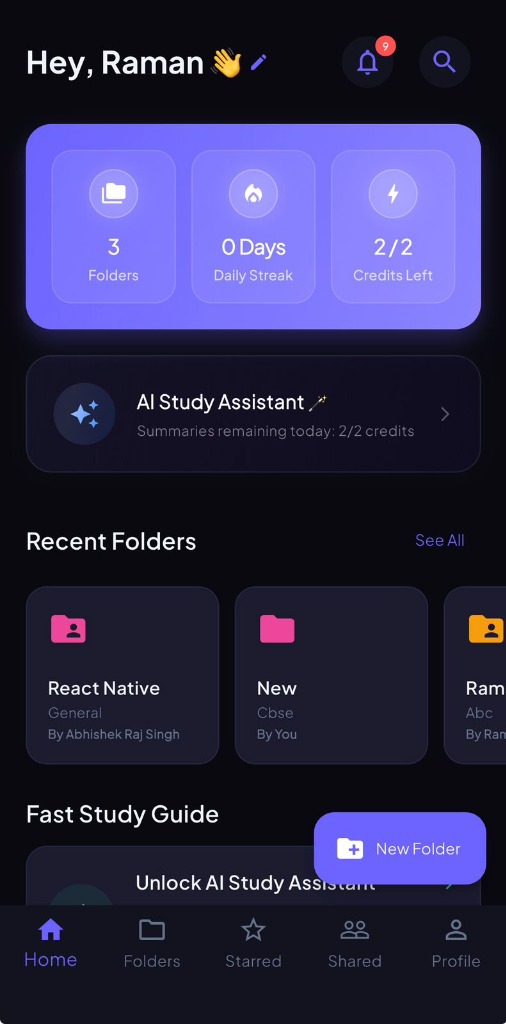
Home Interface
Quiz Settings Interface
Verified App Store Reviews

What Users Are Saying

Quite Helpful

16 Jul
star star star star star

"A genuinely helpful app. Sharing notes is quick and effortless, but the standout feature is the AI — it does an excellent job breaking down and explaining content, and automatically generates flashcards and quizzes from your notes. This turns passive reading into active recall, making study sessions far more effective."

Nav2612 App Store Reviewer

Really useful for me

16 Jul
star star star star star

"I really like this app because it makes it easy to share my note folders directly with my friends. I also love the AI features, especially the quiz, which has been really helpful for my studies."

Raman2301 App Store Reviewer
FAQ

Frequently Asked Questions

NotesFlow AI supports PDF documents, Word files, JPEG/PNG handwritten note images, and lecture slides.
Yes. All user study files are encrypted using Supabase Row Level Security. Your private study files are never used to train public AI models.
You can delete notes in-app or submit a formal erasure ticket on our Support Page.
Notesflowai Logo